LevelSelect
Every game you're playing, and exactly where you left off.
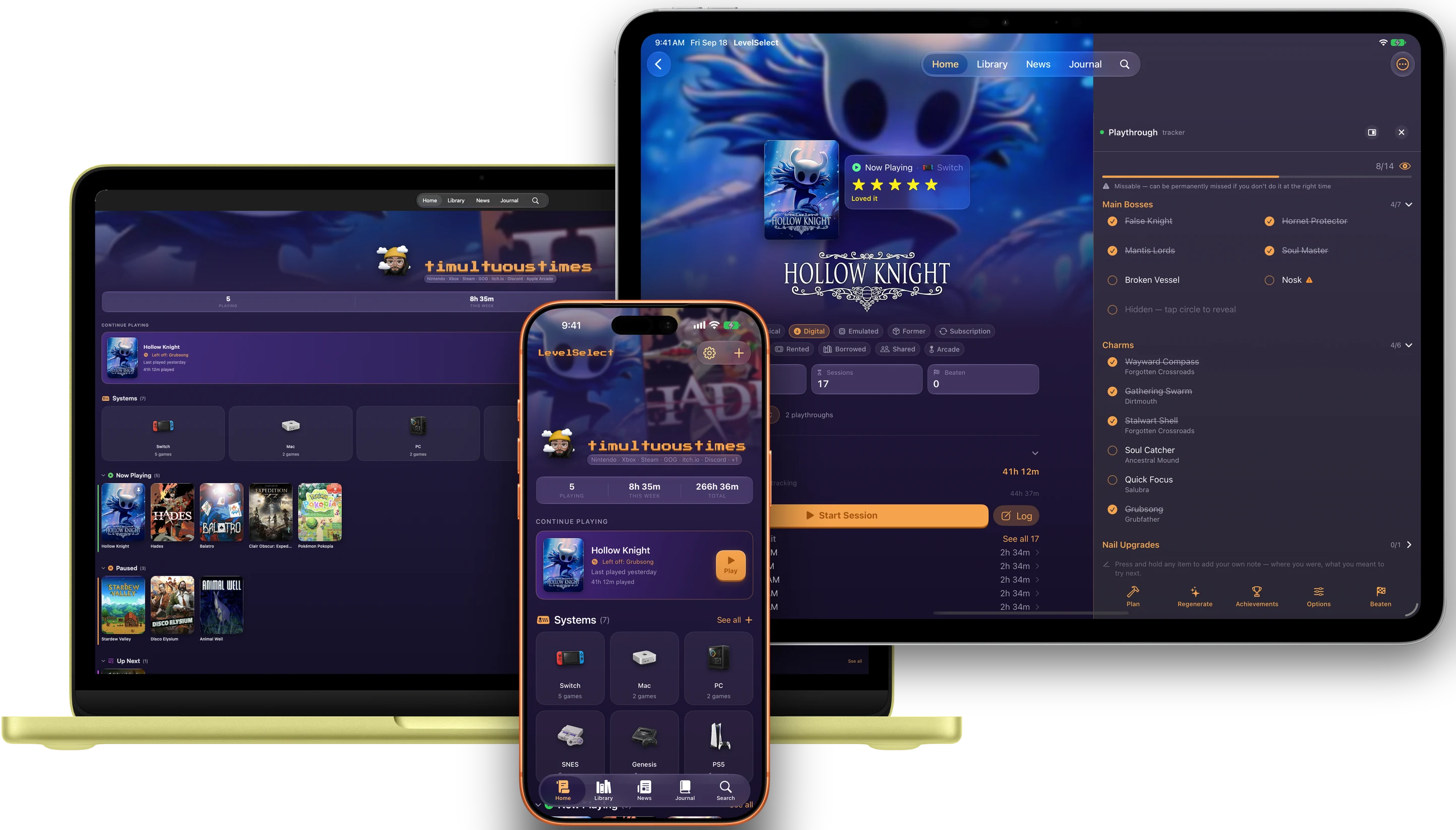
A library, session timer, and progress tracker for people with more games than time. Your shelf syncs privately through your own iCloud — no account to make, nothing to sign up for.
iPhone · iPad · Mac · Apple Watch
News about the games you have
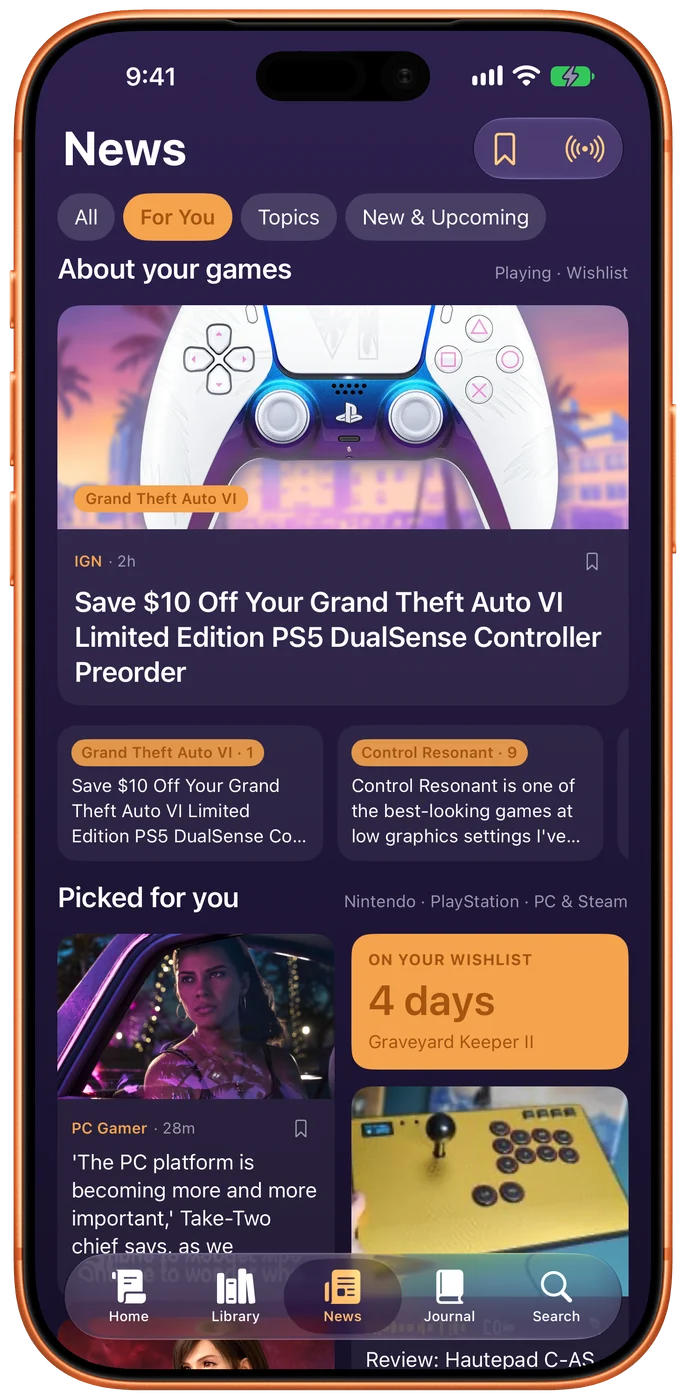
A News tab of the sites you choose, with the stories about games in your library pulled to the top and the ones on your wishlist marked. Read one in reader mode without leaving the app, or save it for later.
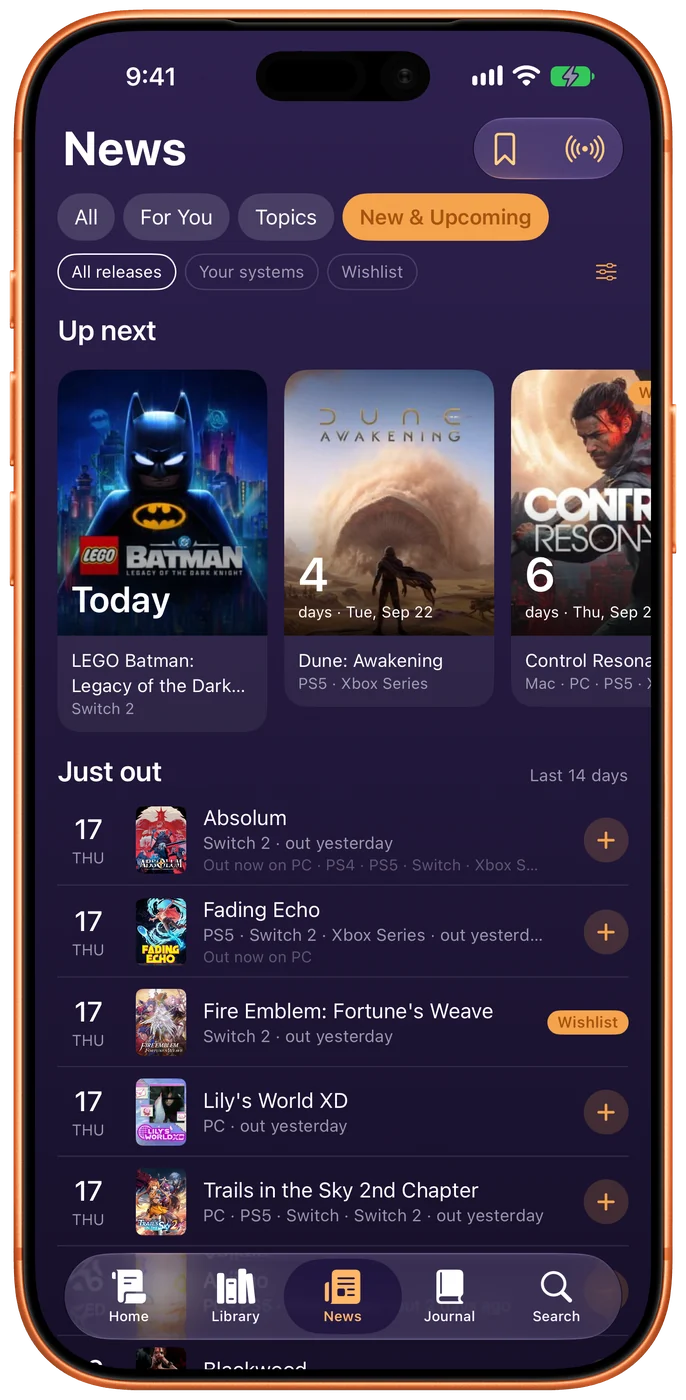
New & Upcoming is every game coming out on the systems you pick, the next one counted down in days — and the ones that just came out, so a release you missed doesn’t stay missed.
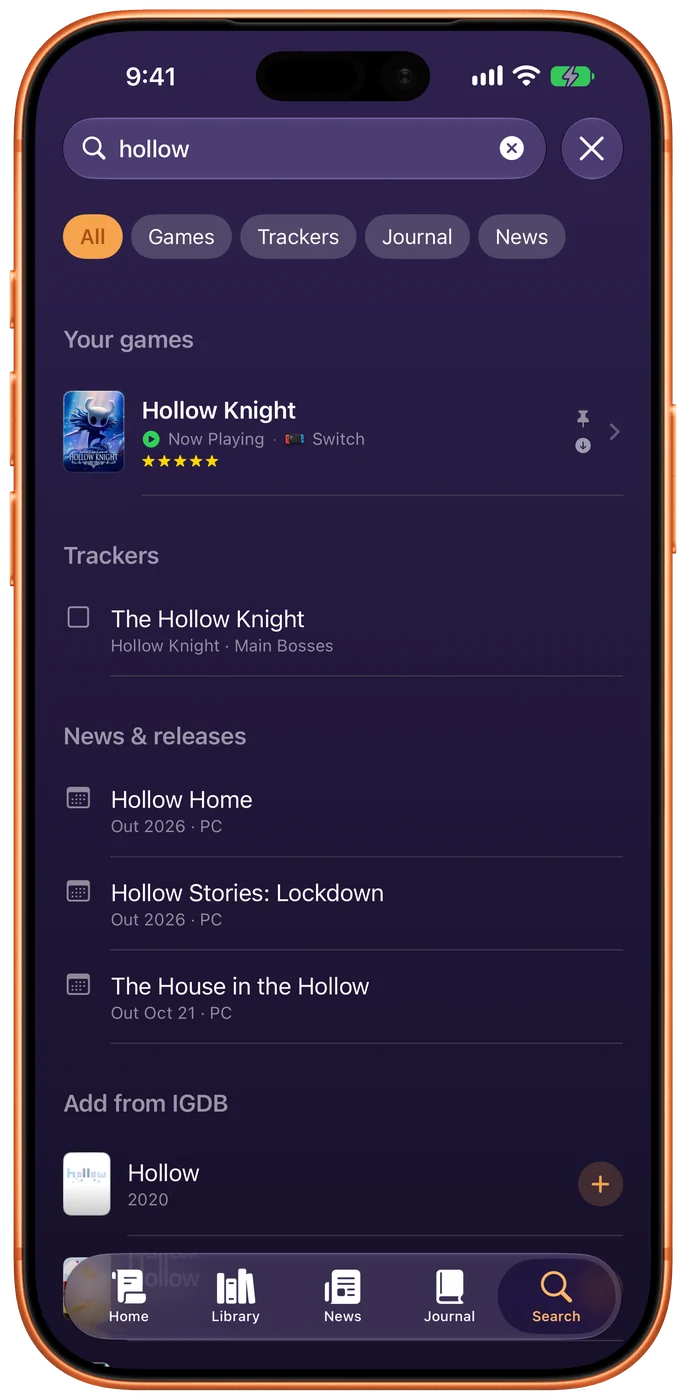
One search for everything
Search sits in its own circle beside the tab bar. One field finds your games, every item on every tracker, the line in a note where you wrote it, news stories and upcoming releases — then games you don’t have, one tap from Add.
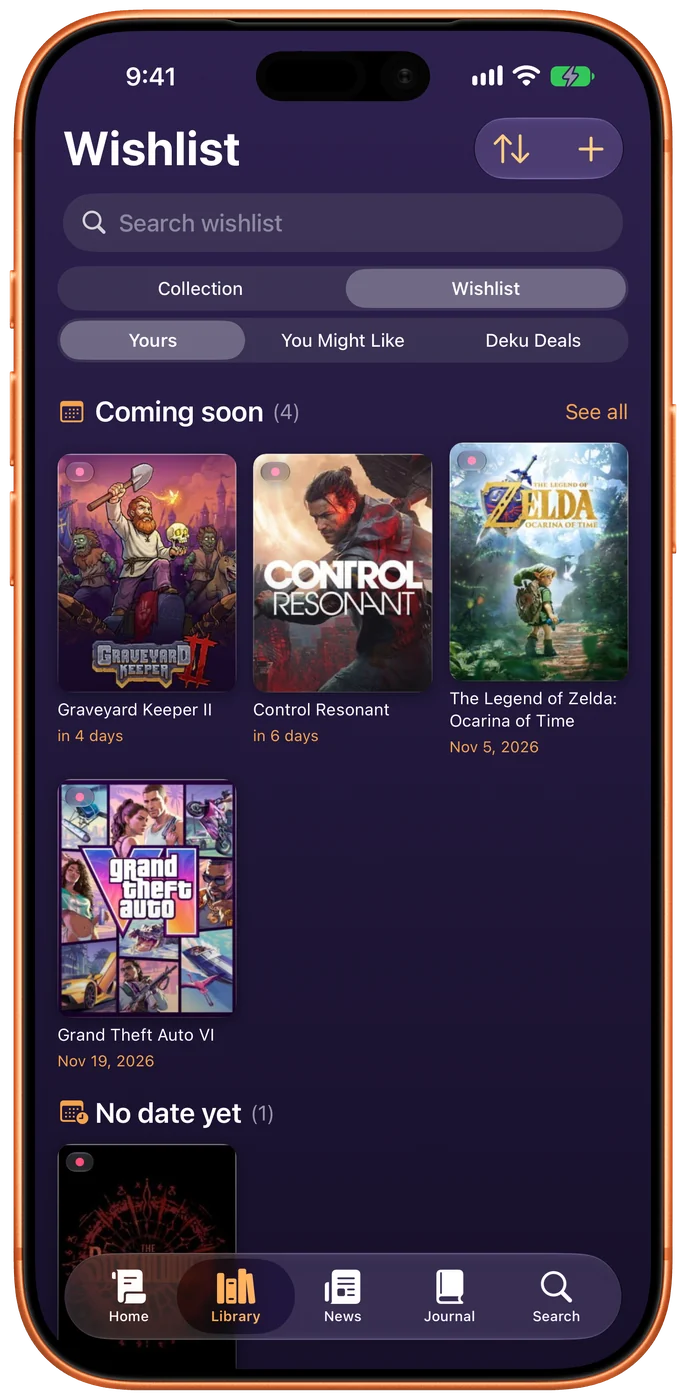
And the Wishlist moved in with the Library: one tab, two halves, because a wishlist is just the games you’re hoping to own.
A page that looks like the game
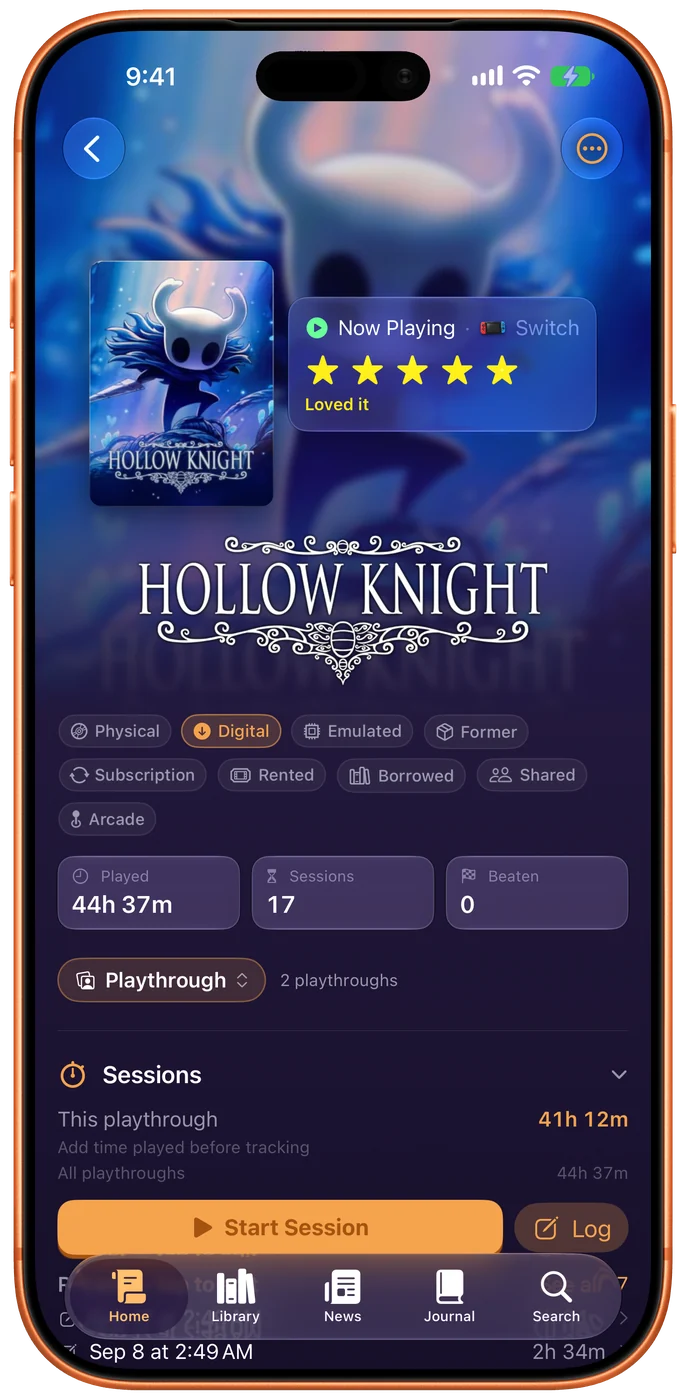
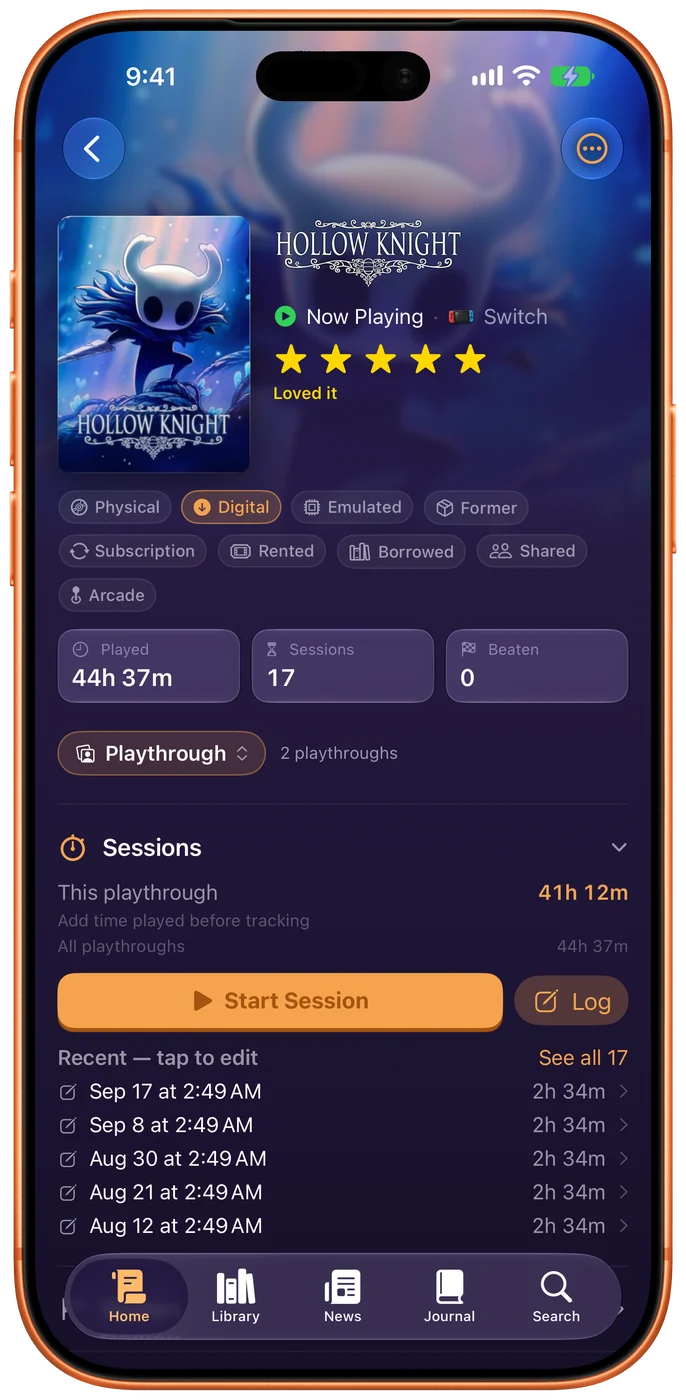
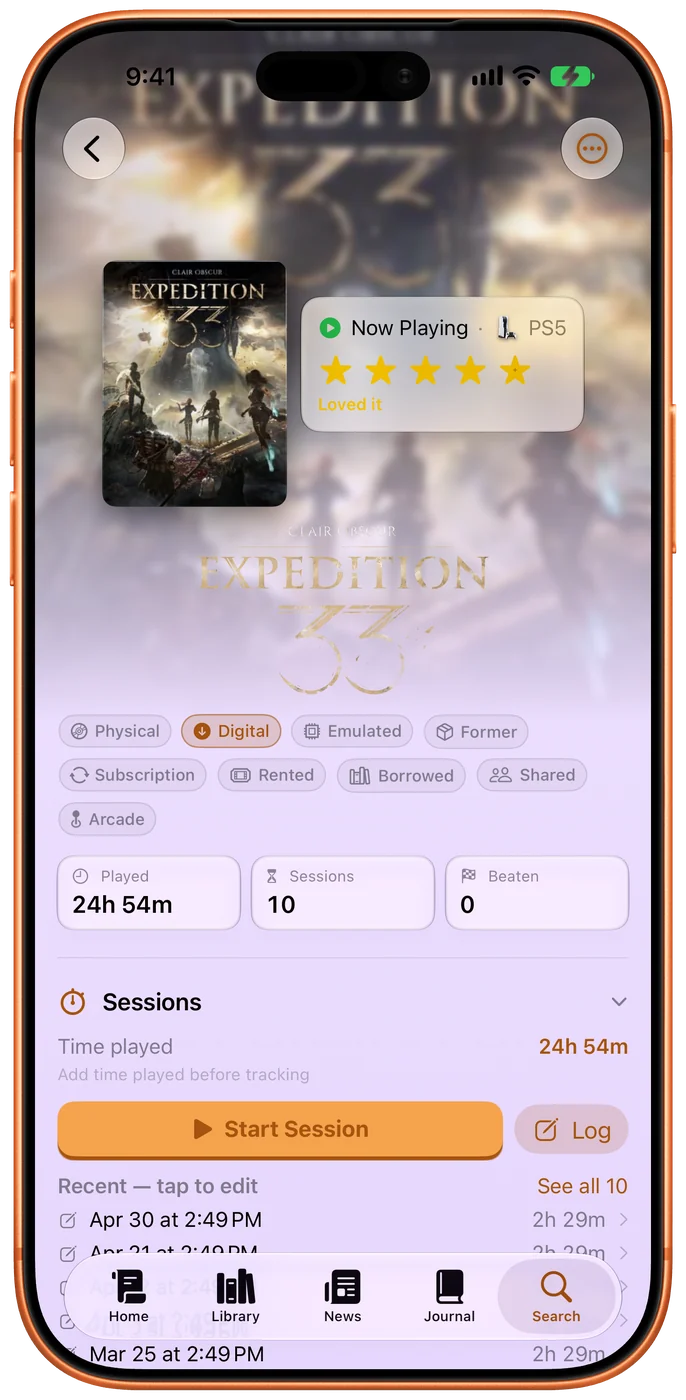
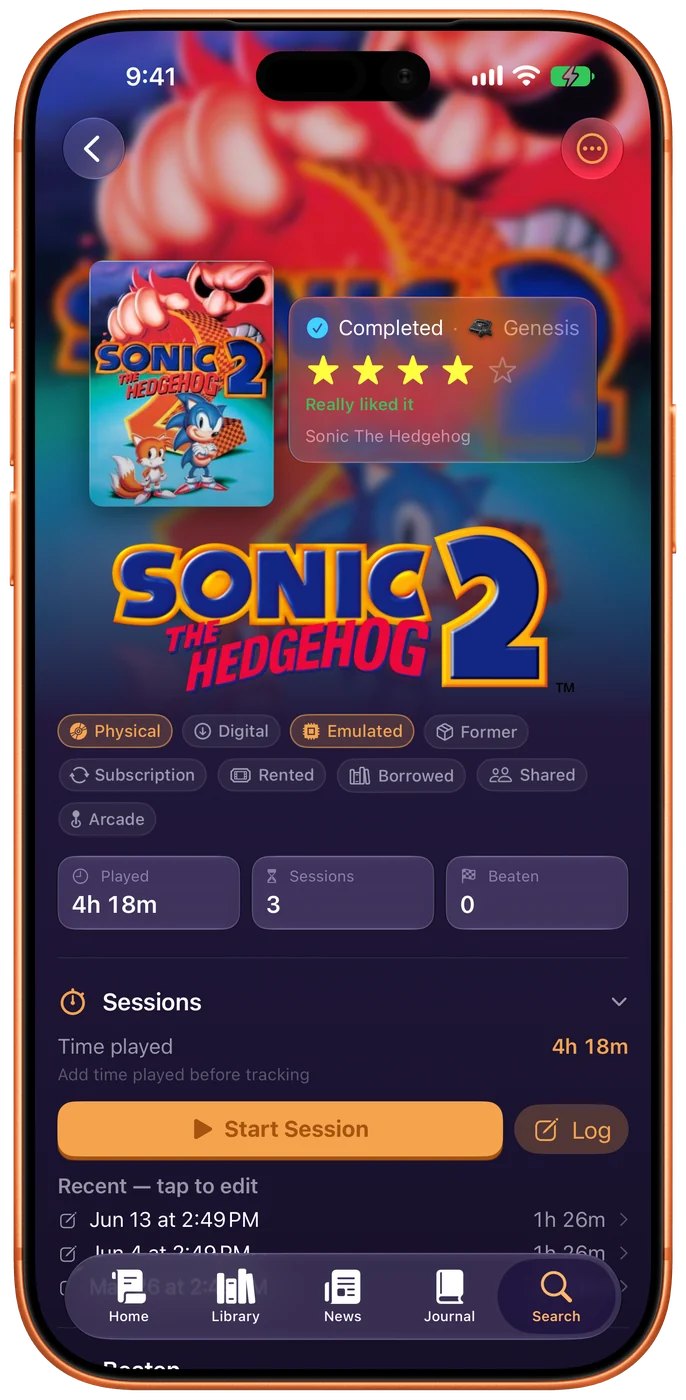
Every game gets its own key art across the top and its own logo where a title would be, so the page you open looks like the thing you played rather than like a database row.
Underneath: what you scored it, what the critics said, and how long you have actually spent on it — across every playthrough, not just the current one. Turn that row off if you don't time your play.
And four ways to arrange it. Showcase leads with the art, Classic keeps the plain original, Cover puts the box first, and Compact is nearly all list. Pick the one that suits how you read a page.
The game's real checklist, not a generic one
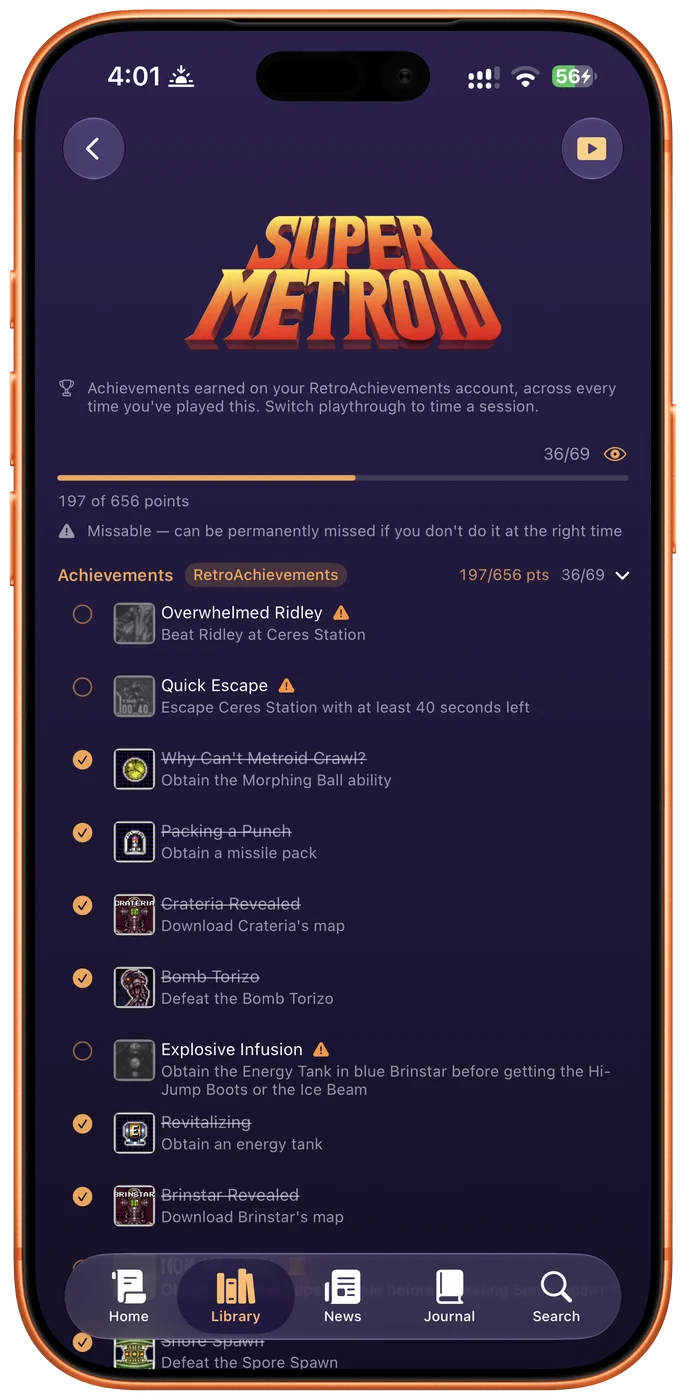
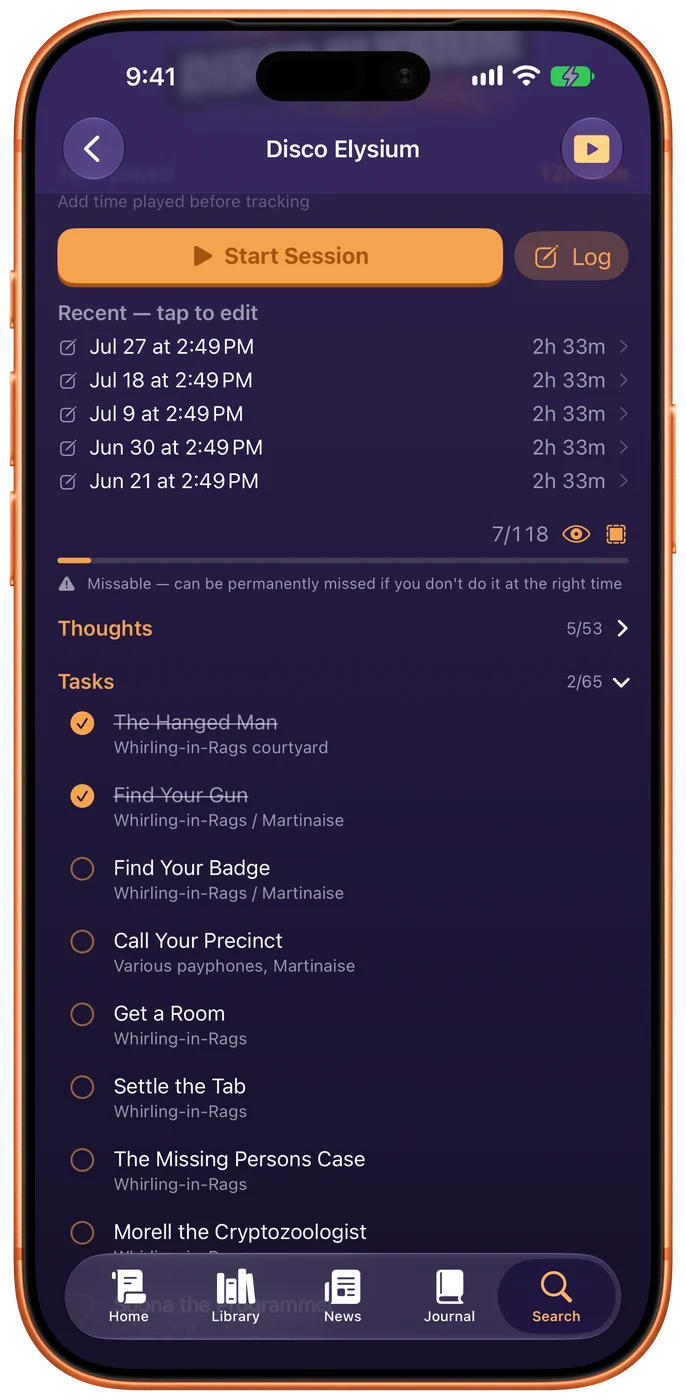
Import the actual RetroAchievements set for a retro game and get the real achievements, real point values, and a warning on the ones you can permanently miss. Paste a checklist you already trust. Or write your own goals in your own words.
Every tracker says where it came from, so you always know whether a number is the game's or a guess.
The part that already happened
You have been writing things down since the first build — a note on a session, what you thought when you finished something. All of it was real, dated and synced, and every word of it was only ever visible inside the sheet you typed it into. The Journal is that writing, in order.
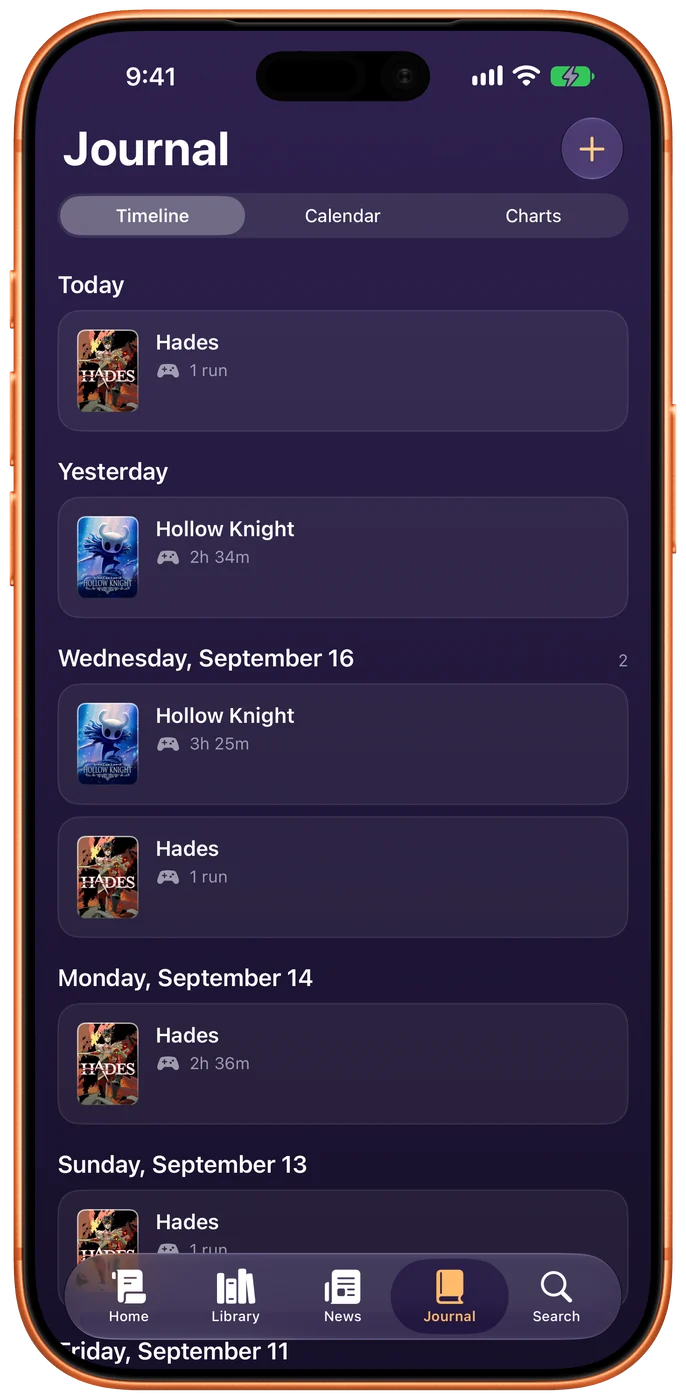
A day of a game is one entry. Three sessions of Hollow Knight on a Saturday is one row, not three, and tapping it gives you the day in full — each session with its own note, and whether that was the evening you finished it.
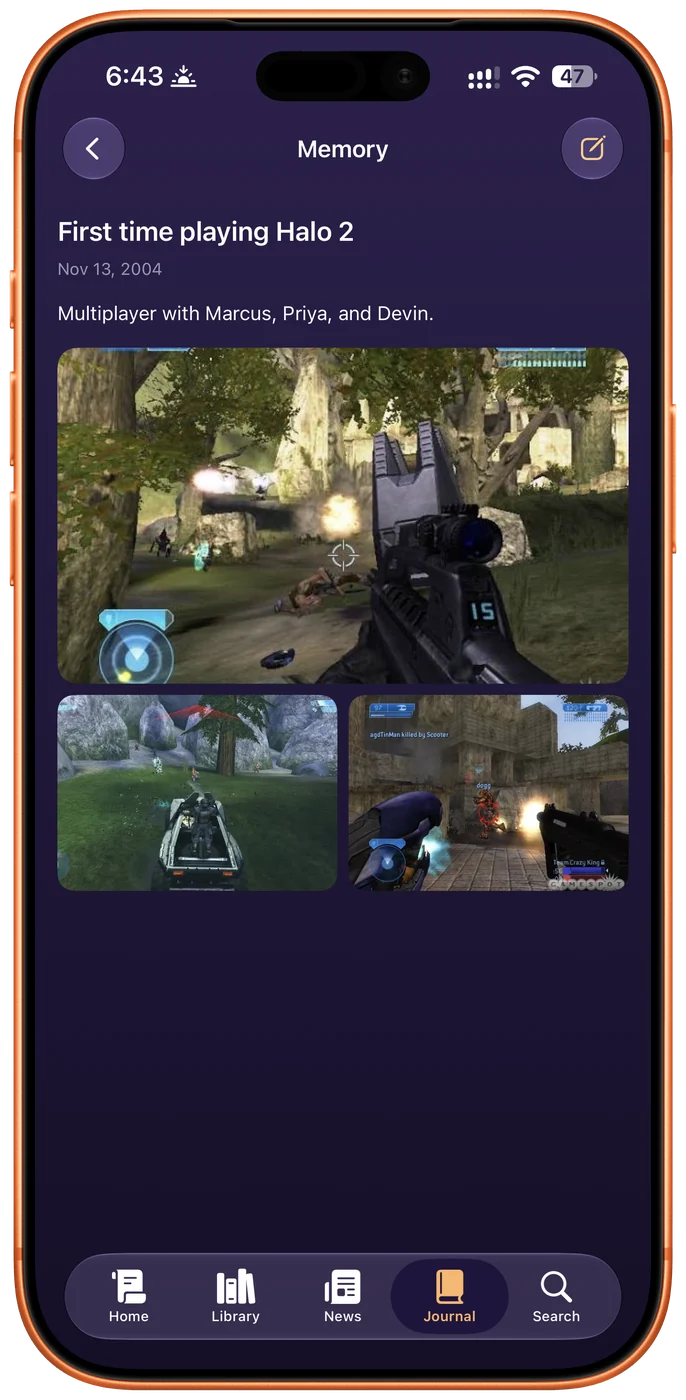
And it reaches back further than the app does. A memory is something that happened before you had this: when, who you were with, and pictures. How well you know the date is a choice — an exact day, a month, a year, or not sure at all. “Christmas 1995 or 1996” is a real answer, and that is exactly how it is shown.
A year of play, in one screen
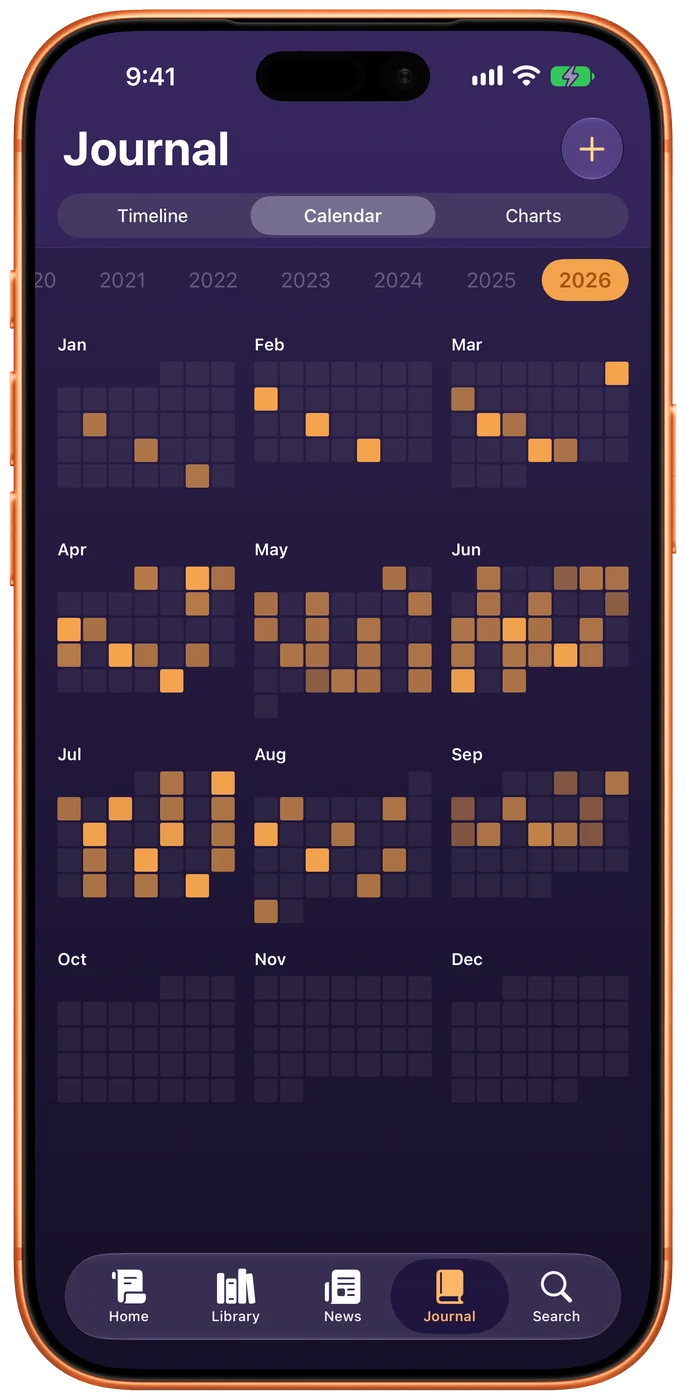
The calendar opens on a year — twelve small months and a heat map — because thirty years of history one month at a time is three hundred screens of scrolling.
Scrub the years along the top. Ones holding something stand out; empty ones are still tappable, because the year you have nothing in is exactly the year you are about to write your first console into. Tap a month and it opens properly: full box art on every day you played, and what the month added up to underneath.
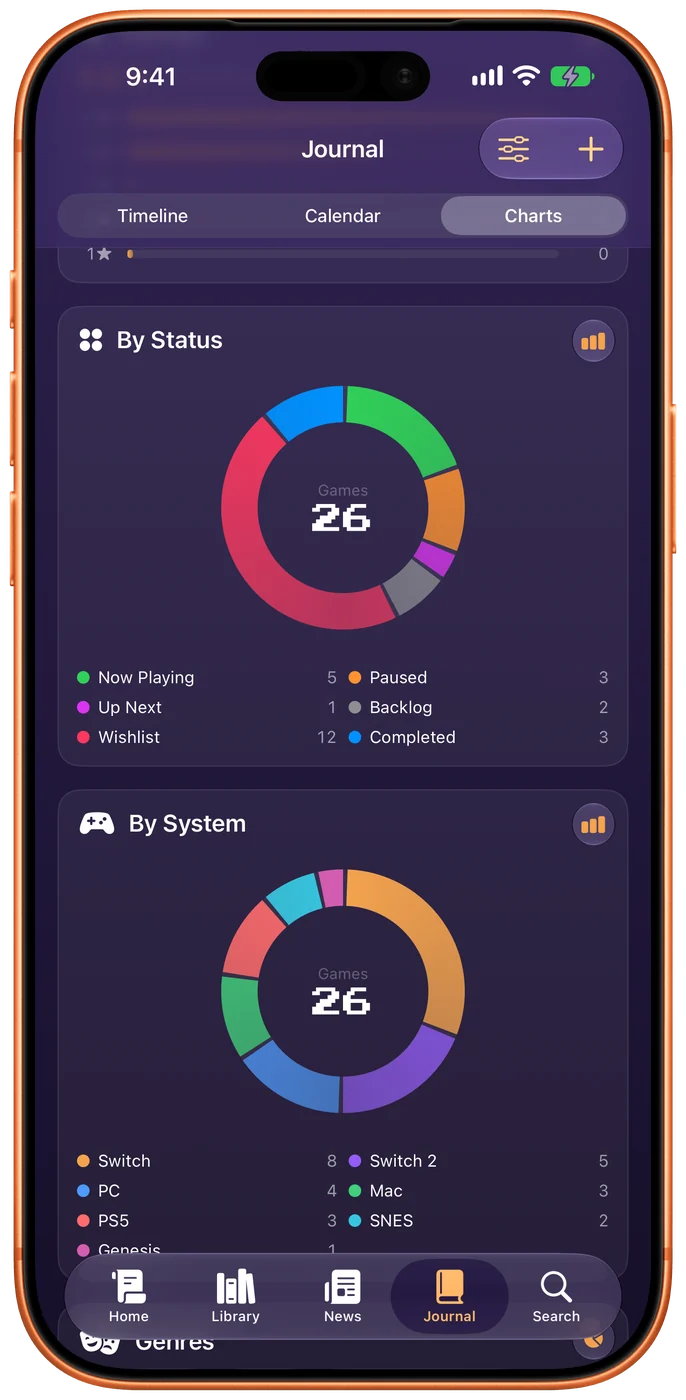
The charts are here too, as the third view. Hours by game, what you finished, which systems you actually reach for — only what your own sessions can prove.
Light, dark, and your color
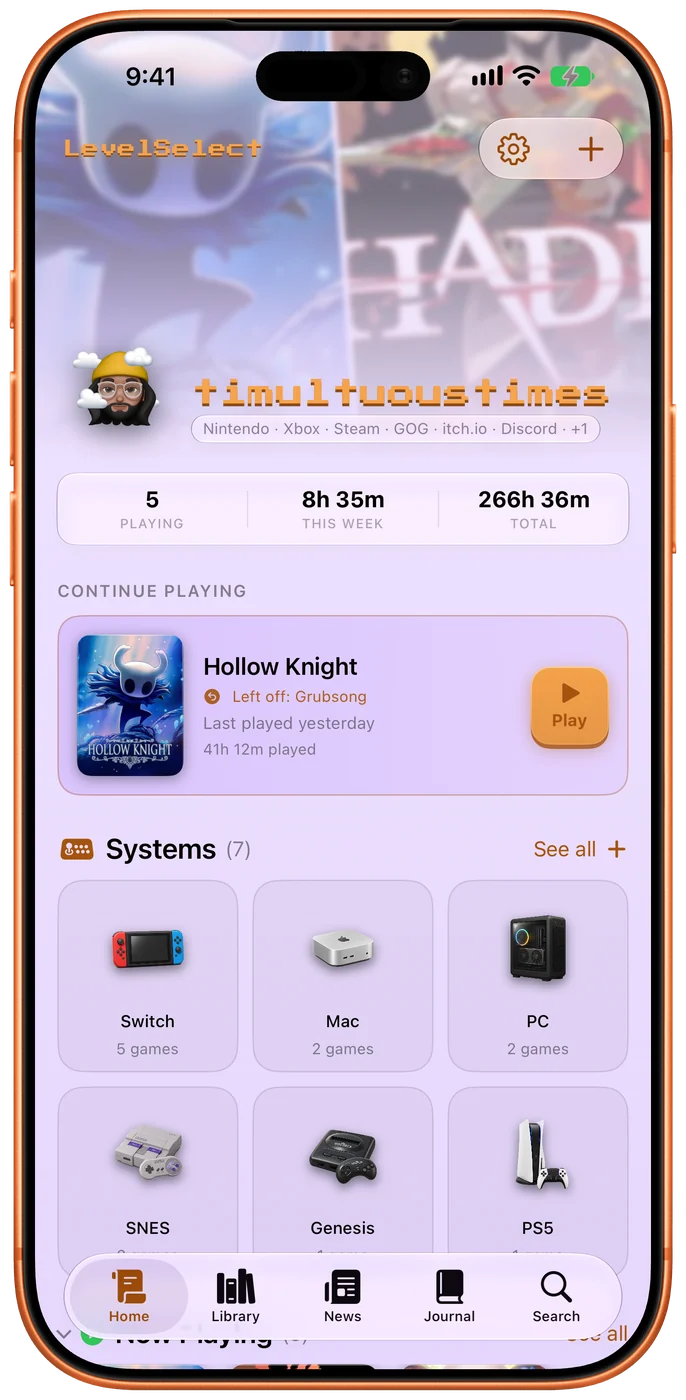
The whole app can be light now. Not the dark theme with its colors swapped — every surface knows which way up is, so a card lifts off a dark ground by getting lighter and off a light one by getting darker.
And the background is yours. Accent and background sit on one screen, so you see a button against the ground you are choosing while you choose it. The app keeps its own contrast, so no choice can make text vanish.
Built one piece at a time
Planning a tracker starts by asking what it's for: just the story, a simple checklist, your party, or everything for 100%. You get a plan, not a wall. Fill in the categories you care about now and leave the rest planned until you want them. A list can be a roster of your party, count nine hundred Korok Seeds as one row, or be left out of this run entirely.
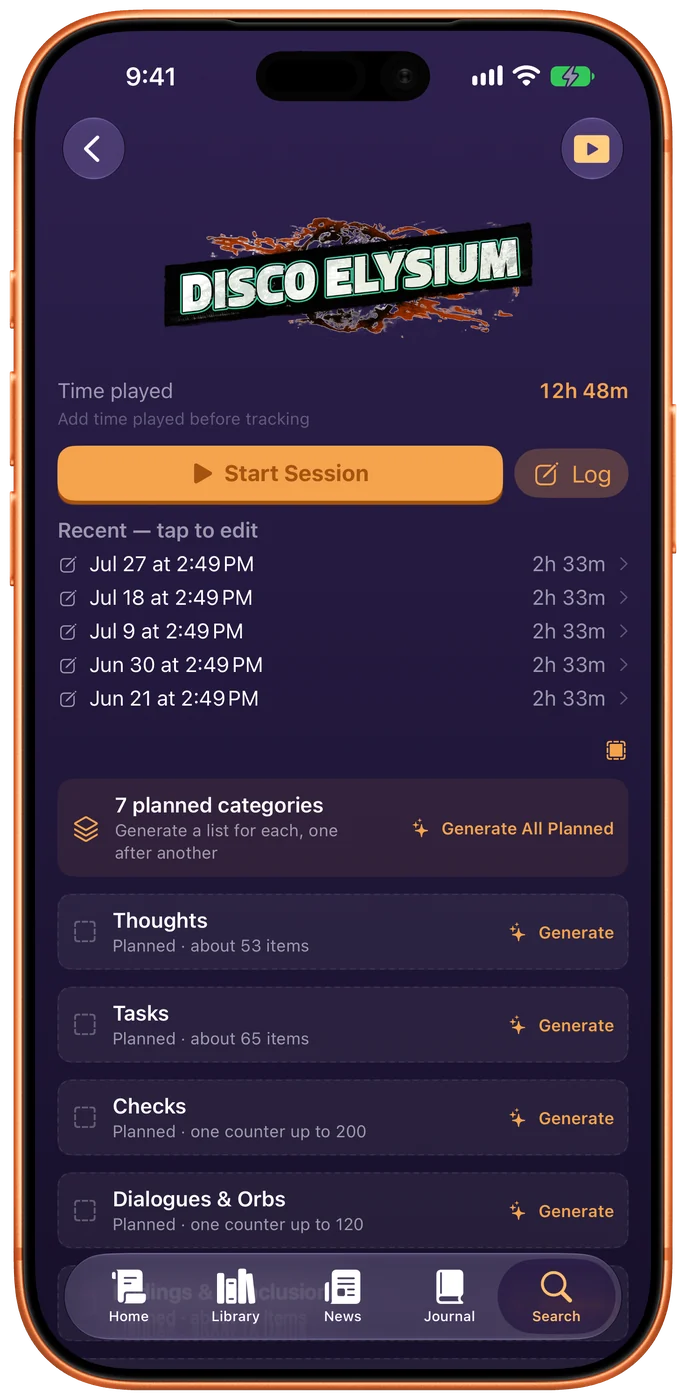
1. Ask what the game is made of.
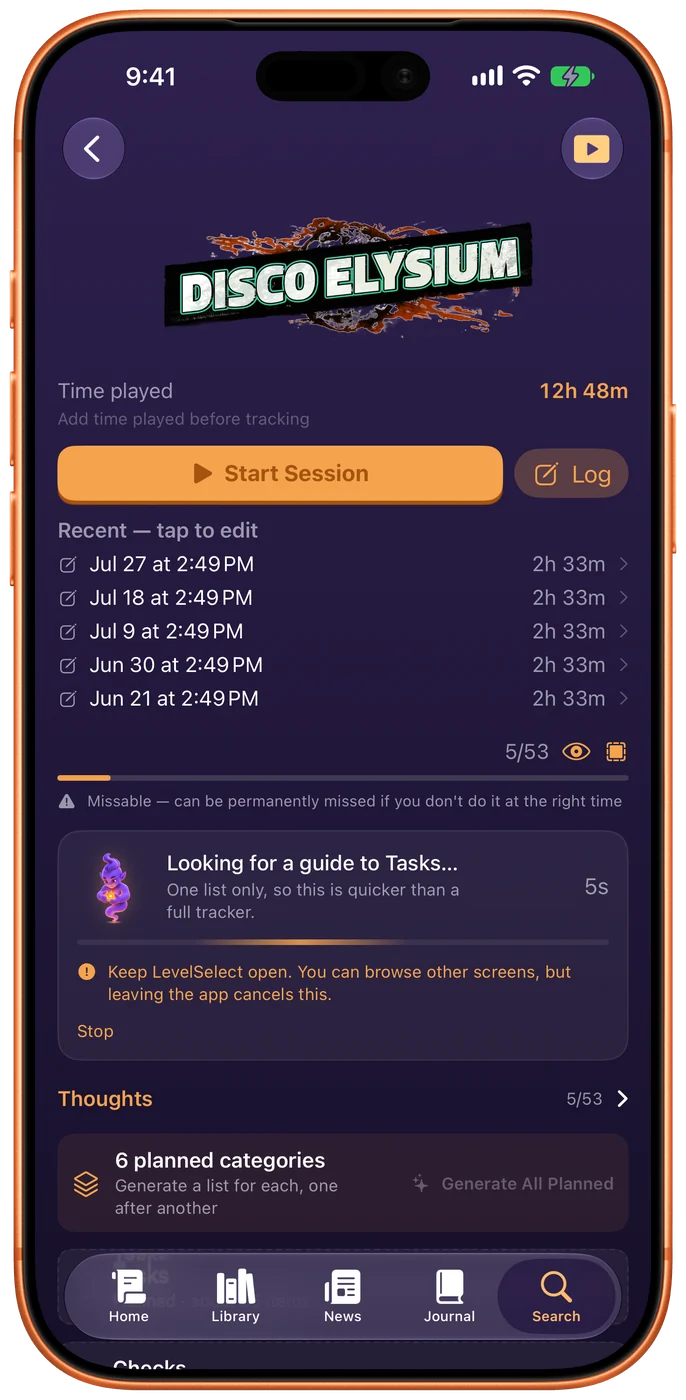
2. Fill one category. Leave the rest planned.
3. Come back for the next one whenever.
1. Ask what the game is made of. · 2. Fill one category. Leave the rest planned. · 3. Come back for the next one whenever.
Start a session without opening the app
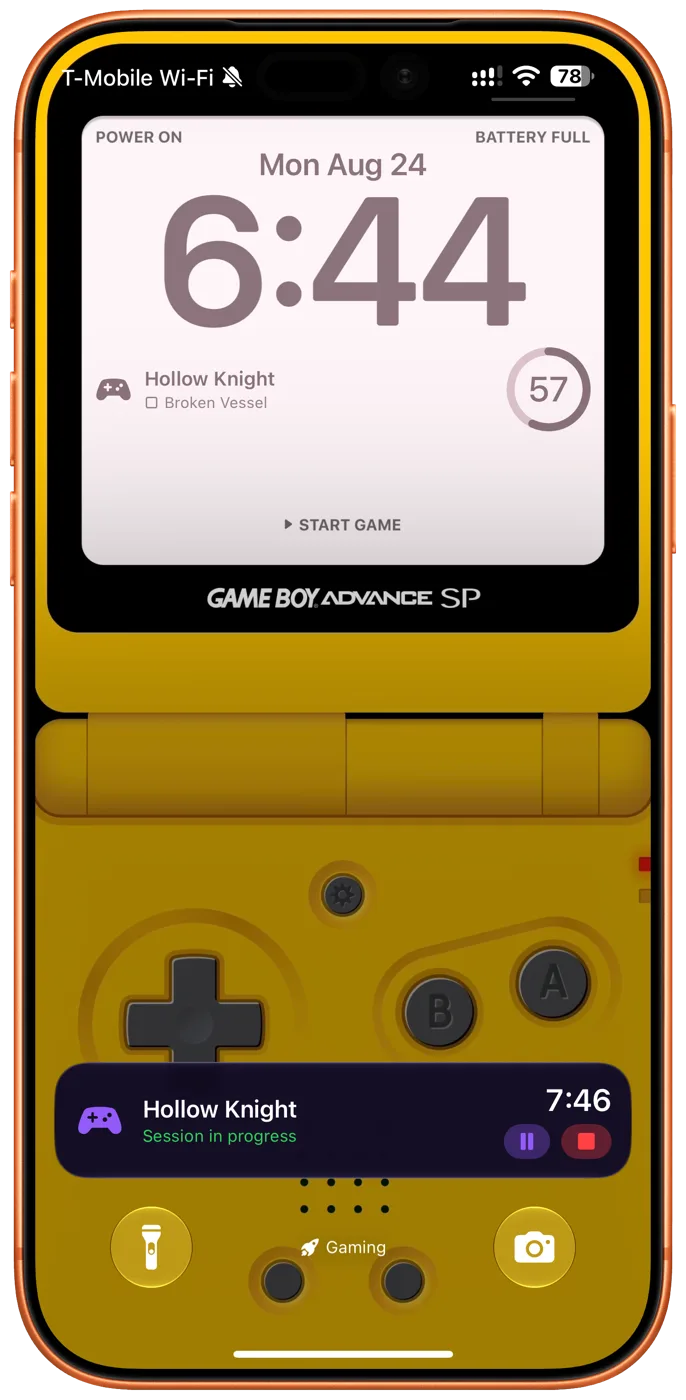
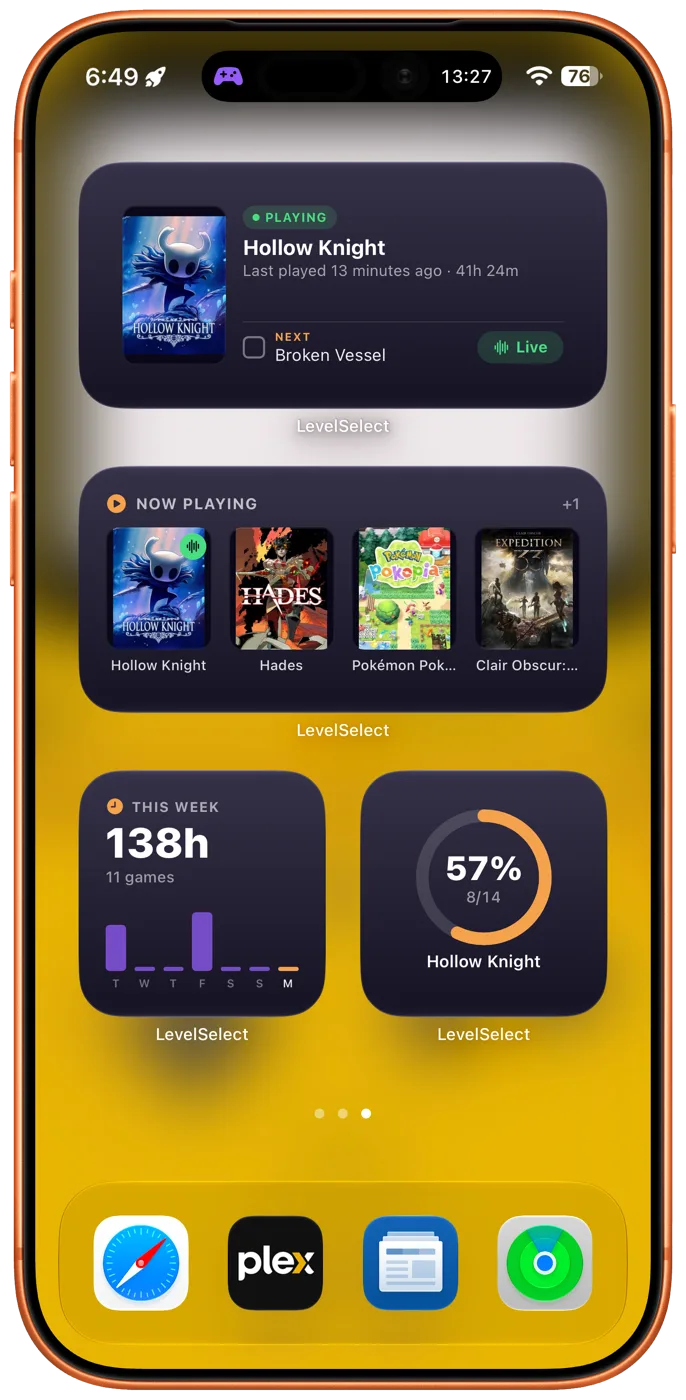
The Live Activity keeps counting on your Lock Screen while you play, and nudges you if you forget to stop it. Widgets put the timer, the week, and your next objective on the Home Screen — and you can tick that objective off without going anywhere.
Your games are Shortcuts too. Say "Start a session for Hollow Knight in LevelSelect" and it starts timing. Every game in your library is available to Siri, Spotlight and the Shortcuts app by name, so you can wire it into whatever you already use — an NFC tag on the console, a Focus, a scene.
A game you're waiting for tells you when
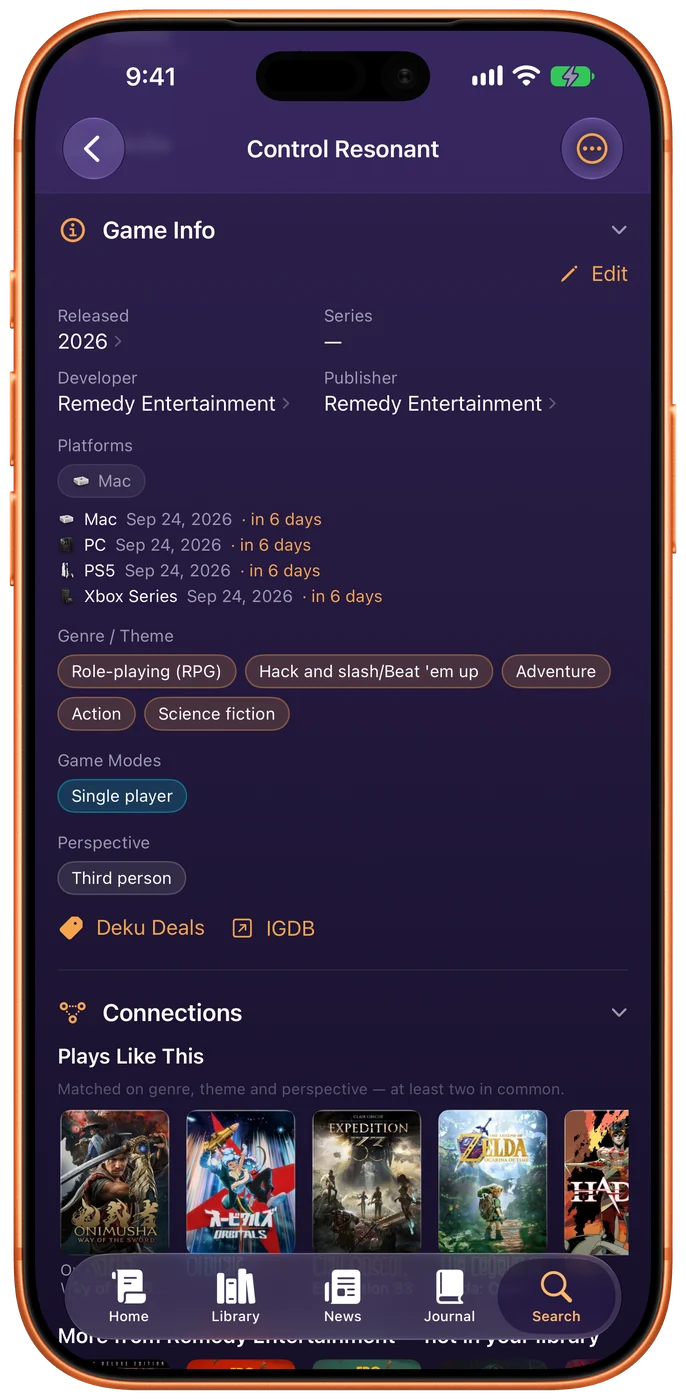
The wishlist counts down. "Tomorrow" when it's close, the date itself once it's further off — and it's your date: a game out on PC and months away on Switch 2 has two true answers, and you see the one for the platform you picked.
Three shelves, because a wishlist that quietly drops half of itself is lying about what you're waiting for: Coming soon for the ones with a real date, No date yet for the announced, and Out now for the ones you can go and buy.
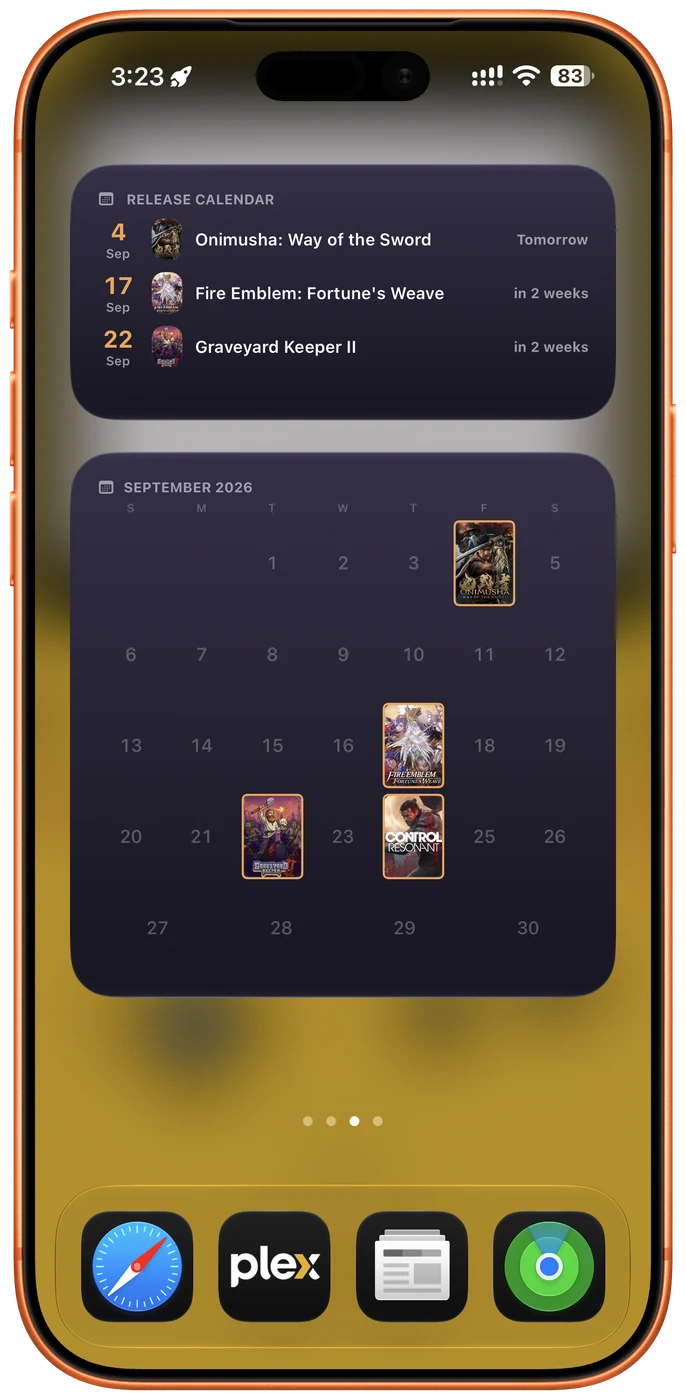
On the Home Screen, Coming Soon lists what's next with the wait under each, and Release Calendar draws a real month with covers standing where the day numbers would be. A reminder arrives at 9am on the day, or up to a week before — a release is a date, so firing at it would wake you for a game that isn't out where you are yet.
The game's own page carries the rest: its trailers and screenshots, playable without leaving the app, and every platform it is coming to with its own date beside it.
Play, check, and follow a guide at once
On iPad and Mac the game page slides aside to make room: the tracker, a guide playing, and the map, all at once.
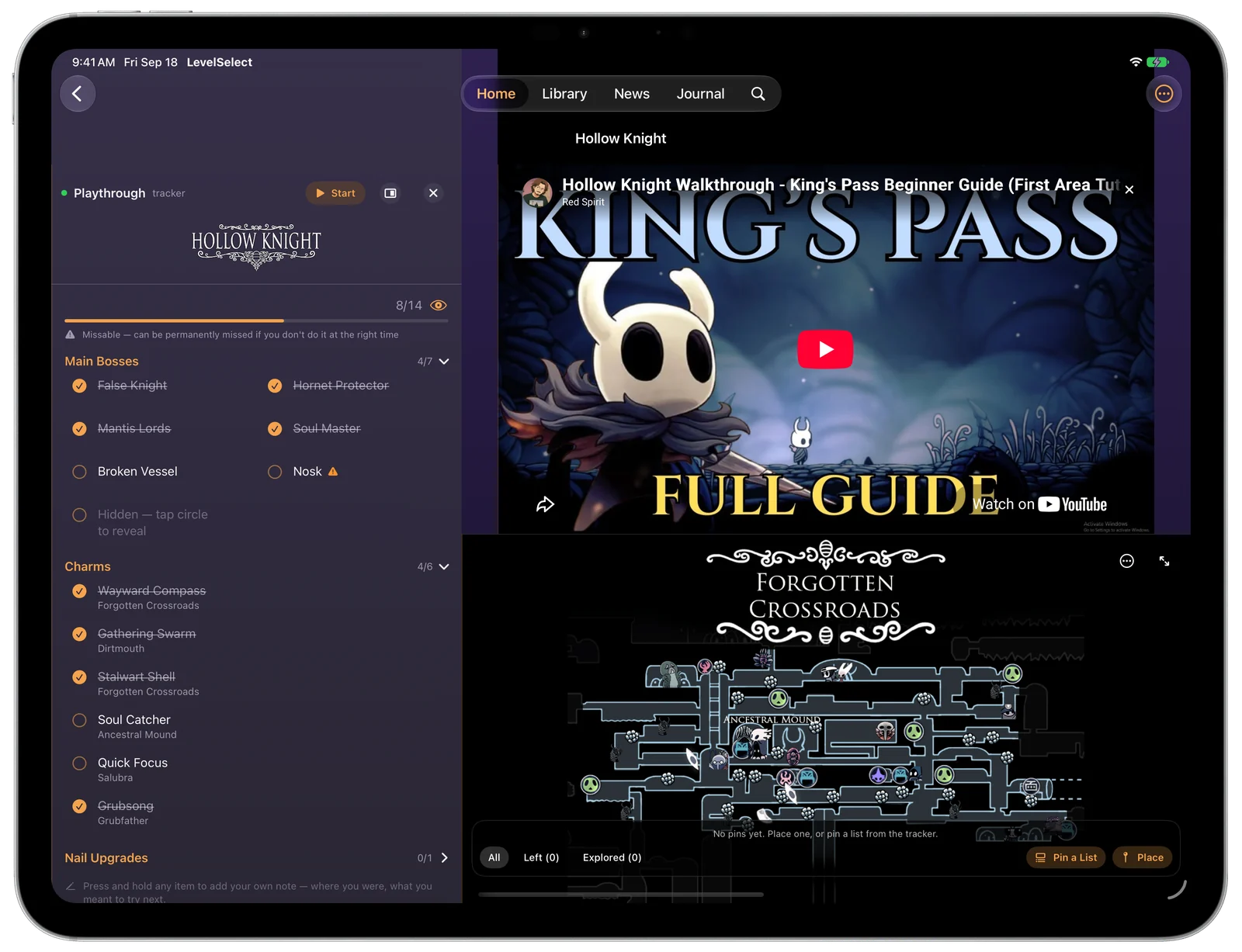
This is the real layout — try it:

The game page on its own. Tap + Tracker to slide the checklist in beside it.
Yours, privately
Most trackers start by asking you to log in to PlayStation, and Xbox, and Steam, and Nintendo — handing over an account for every shelf you own.
LevelSelect never asks for one. Your library lives on your device and syncs through your own iCloud, where it is yours in the ordinary sense of the word.
- No account to create
- No ads
- No analytics, no tracking
- Export the whole thing as readable JSON, whenever
The one exception is spelled out in full: how your data works.
Games older than the app you're tracking them in
Import the real RetroAchievements set for a retro game — the actual achievements the community authored, their real point values, and a warning on the ones you can permanently miss. Not a checklist someone guessed at.
A game you finished in 2004 can say so. Beaten records take a year on its own, or a month, or a full date, so a finish you only half-remember doesn't have to be invented to be recorded.
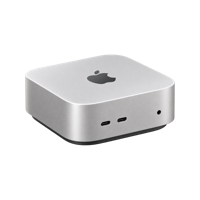
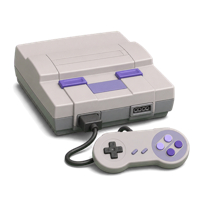
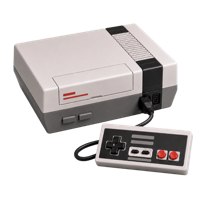
And a cartridge you still own, played on a handheld that isn't the original hardware, is Physical and Emulated at once — the shelf below sorts by the console it came out on, with emulators ranked last.
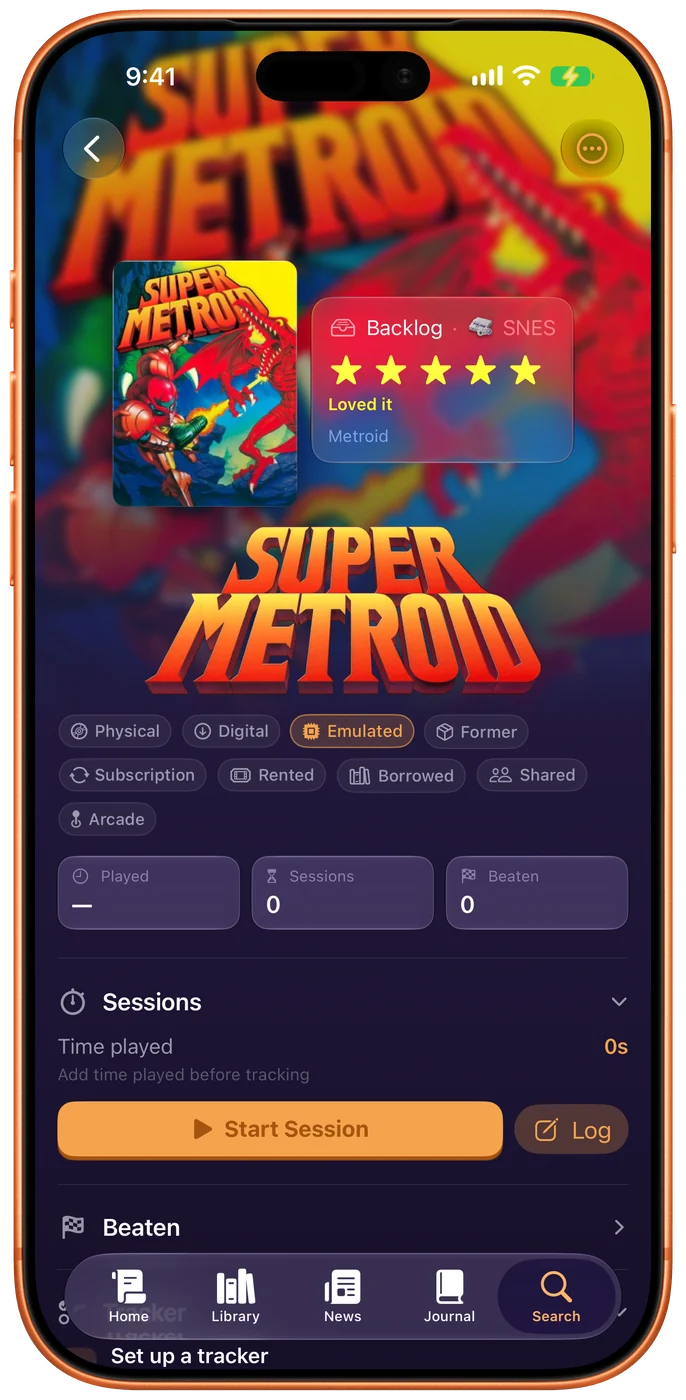
Sorted by system
Your library grouped by the hardware it lives on — original console first, emulators last.
And the rest of it
The things you'd otherwise keep in your head, or a notes app, or nowhere.
Playthroughs and runs
Separate progress for a second run or NG+. Roguelikes get their own record: loadout, outcome, win rate over time.
Collections and shelves
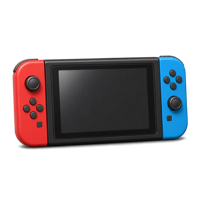
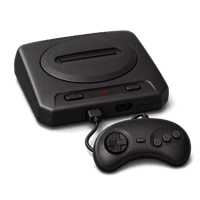
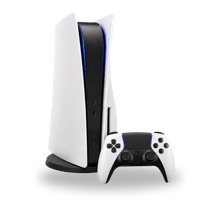
Group a trilogy, a comfort-games list, or everything you own on Genesis. Browse by system with icons that look like the hardware.
A wishlist that watches prices
Point it at your Deku Deals wishlist and see what has dropped, beside a wishlist of your own.
Guides and videos in place
Keep a walkthrough or a playlist attached to the game it belongs to, so you are not hunting for the tab you left it in.
Import what you already have
Connect Steam, PlayStation, Xbox, itch.io or RetroAchievements and your games come in, with their playtime where the service keeps it. Scan a box’s barcode to add a physical copy, or bring a spreadsheet in as a CSV.
Numbers that stay honest
Hours by game, what you've finished, and how much you actually played this week versus how much you meant to. Only what your own sessions can prove — nothing estimated, nothing borrowed from anyone else's average. Flip any card between bars and a pie.
A shelf that looks like yours
A profile at the top of Home — a picture, a name, and your handles — with the covers of what you played this week behind it. Four game page layouts, your own accent color, and a name that can wear it.
The beta is open
LevelSelect is in open testing on iPhone, iPad, Mac, and Apple Watch. The link below installs it — you'll need TestFlight, and it installs that too if you don't have it. No form, no waiting. Bugs and blunt opinions equally welcome.
Join the beta